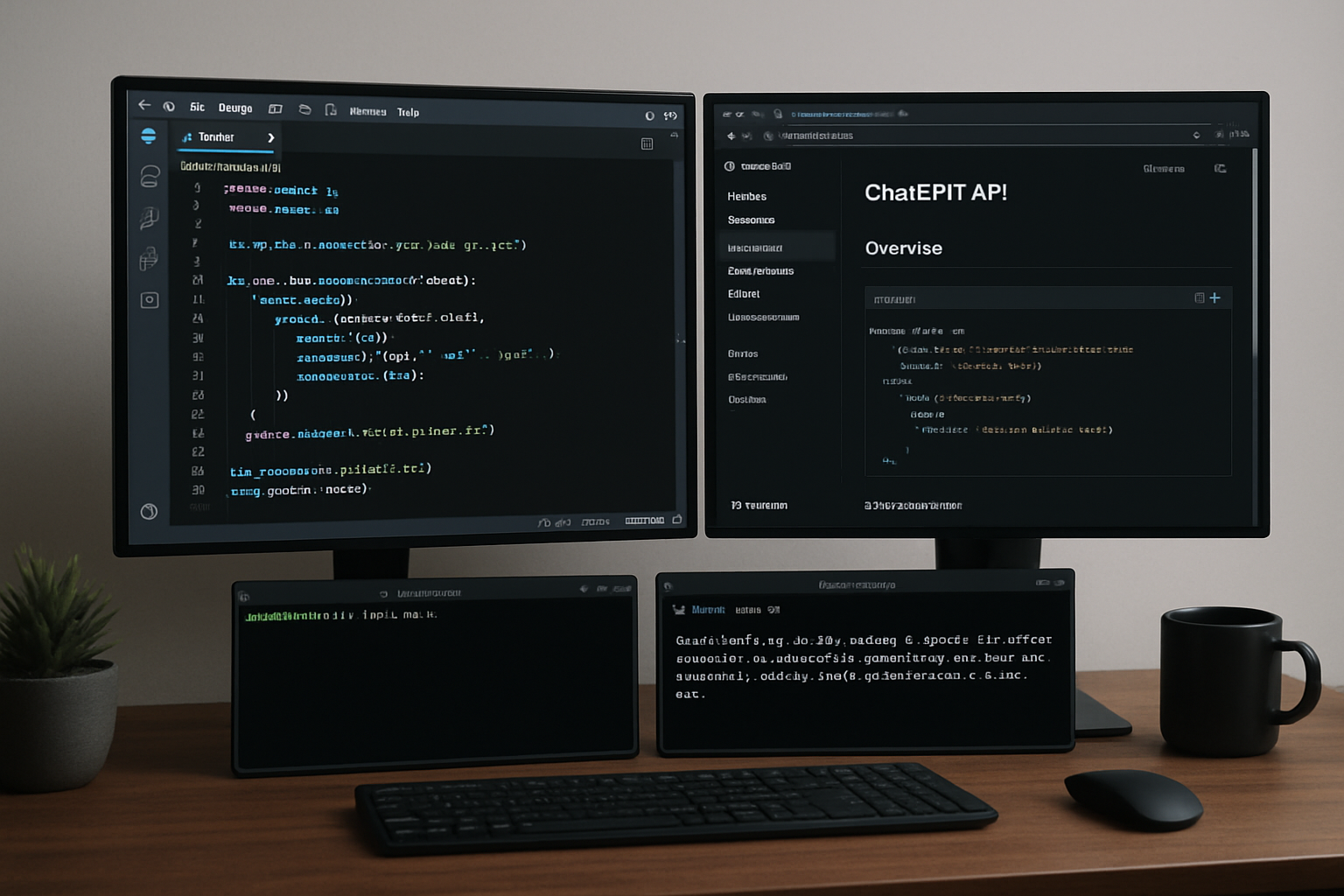
Integrating ChatGPT APIs in Web Applications
The rise of conversational AI opens new possibilities for web applications. Learn how to integrate ChatGPT APIs effectively while considering user experience and performance implications.
Getting Started with OpenAI API
First, you'll need to: 1. Create an OpenAI account 2. Generate an API key 3. Understand rate limits and pricing
Implementation Examples
Basic Chat Integration
const response = await fetch('https://api.openai.com/v1/chat/completions', {
  method: 'POST',
  headers: {
    'Content-Type': 'application/json',
    'Authorization': 'Bearer ' + apiKey
  },
  body: JSON.stringify({
    model: 'gpt-3.5-turbo',
    messages: [
      { role: 'user', content: userMessage }
    ]
  })
});
React Hook for Chat
Create a reusable hook for managing chat interactions:
const useChat = () => {
  const [messages, setMessages] = useState([]);
  const [loading, setLoading] = useState(false);
const sendMessage = async (message: string) => { setLoading(true); // API call implementation setLoading(false); };
  return { messages, sendMessage, loading };
};
Best Practices
1. Error Handling Implement robust error handling for API failures and rate limits.
2. User Experience Provide loading indicators and typing animations for better UX.
3. Security Never expose API keys in client-side code. Use server-side proxies.
4. Cost Management Implement message length limits and conversation memory management.
Advanced Features
Explore advanced capabilities like: - Function calling - Custom training data - Streaming responses - Context management
Integrating ChatGPT APIs can significantly enhance your web application's user experience when implemented thoughtfully.